Tile contractor change order software: what it must track.
Price added scope in tile units, carry credits as lines, log who approved it and for how much, and bill it as its own line on the next invoice.

Tile contractor change order software has to do five things: price added scope in tile units (wall SF apart from floor SF, LF of trim, EA for niches), carry deleted scope as itemized credit lines, add a change order markup, record who approved it (name, method, amount, date) before the setter starts, and put the approved amount on the next invoice as its own line.
Generic change order forms don't know tile units. On a tile job the hard parts are the units, the credits and what happens after the yes.
In this post9 sections
- 01What changes a tile job after award
- 02Price it in lines, not a lump sum
- 03How much to charge for a change order
- 04Credits are not additions in reverse
- 05A layout change moves the order, not just the price
- 06Get it approved before the setter starts
- 07After approval: invoice and setter
- 08What change order software has to track
- 09Change orders in Cedrus
What changes a tile job after award
Most tile change orders come from a short list, and each has its own unit:
| Change | What it moves | Price it in |
|---|---|---|
| Tile reselected to large format | Labor rate, mortar and back-buttering, leveling clips, a flatter substrate | SF, plus LS (lump sum) for flattening |
| Straight lay changed to herringbone or diagonal | Labor, cuts, the order quantity | SF, at the new rate |
| Niche or bench added | Framing by others, waterproofing, trim | EA |
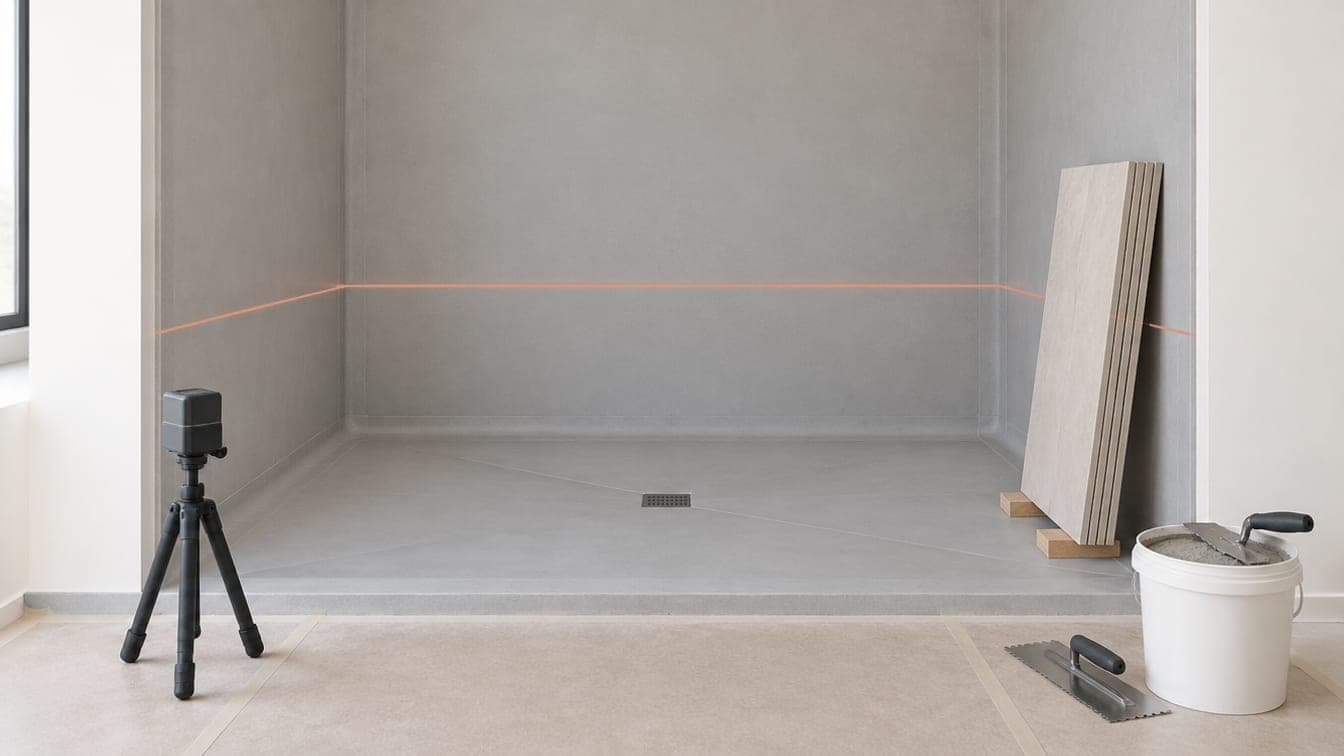
| Tile run to the ceiling | Wall area, the backer and waterproofing above the old tile line, the top trim | Wall SF, trim LF |
| Curbless shower or linear drain | Floor recess (usually framing by others), slope, the drain, waterproofing | EA for the drain, SF |
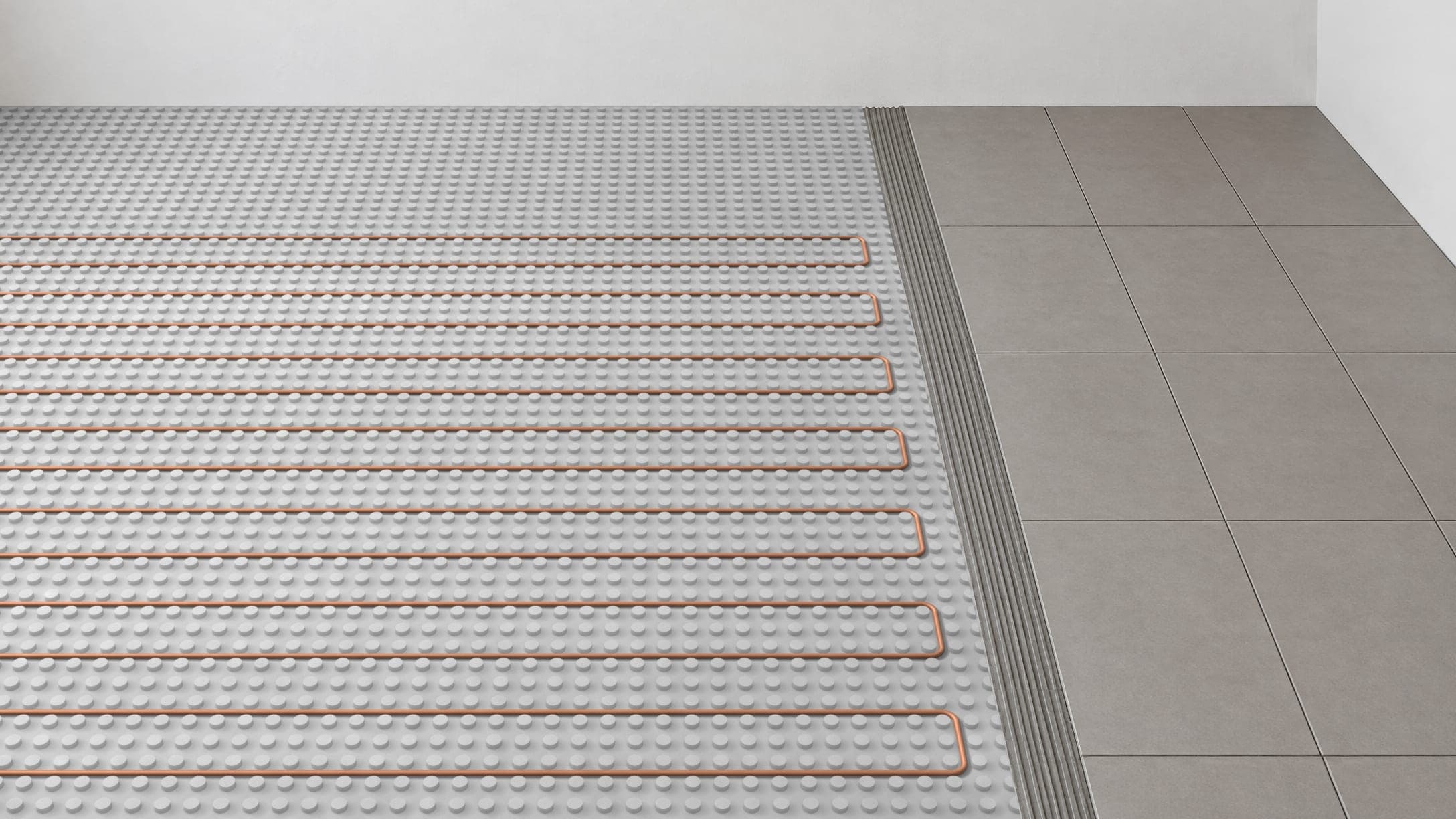
| Heated floor added | Mat or cable, the leveler or membrane it's set in, thermostat and sensor, the hookup (usually by others) | Mat SF, leveler or membrane SF, EA |
| Substrate out of tolerance after demo | Leveler, patch, re-sheeting, cure time | LS or T&M (time and materials) |
The large-format row is the one that hides cost. For tile with an edge 15 in. or longer, ANSI A108.02, as quoted by the Ceramic Tile Education Foundation, allows no more than 1/8 in. in 10 ft and 1/16 in. in 2 ft from the required plane, measured from the high points. A substrate that was fine for the tile you bid may not meet that, and flattening it is a change, not a favor.
Price each line the way you price each room by scope on the base bid.
Price it in lines, not a lump sum
A builder can check 38 SF at a rate. They can't check "$1,230". If your estimate listed unit rates, use them: the changes line in a tile estimate template makes them the basis for pricing changes, so the builder has already seen them.
An example, not a real job; the rates and the 15% markup are illustrative. The shower walls now run to the ceiling and the builder adds a niche. The tile line rises about 3 ft 5 in. across 11 LF of wall: 38 SF added, 11 LF of top trim gone, a soft joint at the ceiling instead.
CO 1: master shower walls to the ceiling, plus a niche
| Line | Qty | Unit | Rate | Total |
|---|---|---|---|---|
| Shower walls, run to ceiling, labor | 38 | SF | $14.00 | $532.00 |
| Wall tile, added area, material | 38 | SF | $7.50 | $285.00 |
| Setting materials and membrane, added area | 38 | SF | $2.50 | $95.00 |
| Niche, 12 × 24 in. | 1 | EA | $225.00 | $225.00 |
| Top-edge trim, no longer needed | −11 | LF | $9.00 | −$99.00 |
| Soft joint at the ceiling | 11 | LF | $3.00 | $33.00 |
| Subtotal | $1,071.00 | |||
| Change order markup, 15% | $160.65 | |||
| CO 1 total | $1,231.65 |
How much to charge for a change order
Change order work costs more per foot than base-bid work: small quantities, often a second trip, other trades in the way, and a layout that may need re-planning. A change order markup, kept separate from your bid markup, pays for that.
Before you pick a number, read the change order clause in your subcontract: it may cap the markup and say how yours stacks with the builder's. Two owner-level examples, not norms, that a subcontract can pass down to you:
- The VA's clause allows no more than 10% overhead and 10% profit on the first $20,000 of a change, on a declining scale above that (48 CFR 852.243-70).
- One university's general conditions give a sub 15%, the GC another 10% on top, and cap all markups at 25% combined (Cornell, Art. 4.01E).
There's no standard tile change order markup. Your contract sets the ceiling. Your costs set the floor.
Credits are not additions in reverse
A deleted area rarely credits its full price, because some of the money is already spent. Example two, also not a real job: the closet floor is deleted after its tile arrived, uncut, and the supplier takes it back for a fee.
CO 2: closet floor deleted after delivery
| Line | Qty | Unit | Rate | Total |
|---|---|---|---|---|
| Closet floor tile, labor | −42 | SF | $8.00 | −$336.00 |
| Closet floor tile, material | −42 | SF | $5.50 | −$231.00 |
| Setting materials, not used | −42 | SF | $1.50 | −$63.00 |
| Supplier restocking fee | 1 | LS | $48.00 | $48.00 |
| Subtotal | −$582.00 | |||
| Change order markup, 15% | −$87.30 | |||
| CO 2 total | −$669.30 |
Three rules for credits:
- Returns depend on your supplier. Some take uncut special orders back, some charge restocking or freight, and cut or set tile never goes back. Put any fee on the change order as its own line, and credit the material at the price the bid charged for it, not by the box you ordered.
- Check whether markup comes back. AIA A201 credits a deletion at "actual net cost", so the markup stays with the contractor (A201-2017, §7.3.8). The VA clause above lets a reasonable overhead and profit allowance come back on a credit, subject to negotiation. This example credits the full markup back, the generous case.
- Don't credit what's done. Work already installed and tile already cut stay on the bill.
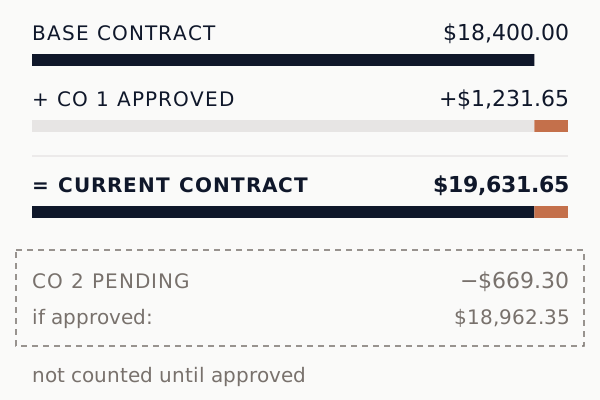
Say the base contract is $18,400.00, CO 1 is approved and CO 2 is pending. The current contract is $19,631.65. CO 2 stays outside it until approved; then the contract drops to $18,962.35.
 (open full size)
A layout change moves the order, not just the price
Switch a straight lay to herringbone and two numbers move: the labor in the client's price, and the tile on your order. The extra cuts raise the waste, and waste sets the order, not the price. Bill the installed area at the new rate, and if you supply the tile, make sure that rate covers the heavier waste. Bill the waste as area and you overcharge; leave it off the order and you run short of tile.
Get it approved before the setter starts
On a sub job, the yes usually comes from the builder's project manager (PM) or superintendent, often out loud on a walk-through. Check that they can approve it: some subcontracts limit change authority to the PM or an officer, and a superintendent's yes may not bind the builder. A yes counts only if you can prove it, so log four things before the work starts:
- Who: the name and the company.
- How: in person, phone, text, email or an approval link.
- How much: the priced amount they agreed to.
- When: the date and time.
A verbal yes with no amount isn't an approval. Send the priced change order the same day, so the yes attaches to a number. Many written subcontracts require changes in writing.
Put the days it adds on the change order too, so they're approved with the price. Waterproofing and leveler need time before tile. One fast membrane's data sheet calls for two coats, each dry in about an hour, and a flood test about an hour after the second; its maker sells it as a one-day shower (RedGard SpeedCoat). One leveler's data sheet allows tile after 24 hours (Sika Level-125CA). So the wait runs from a few hours to a day, before you count the flood test itself. Use your product's data sheet and your inspector's flood-test rule, not a guess.
After approval: invoice and setter
Two things still have to happen:
- The invoice. The approved change order goes on the next invoice or pay app as its own line, so the builder can tick it off against their change order log. Folded into a room line, it reads as a price increase. If your contract holds retainage, expect it on this line too.
- The setter. Update the setter's scope and pay to match. Otherwise the field installs the old scope, or does the new one unpaid.
What change order software has to track
For a tile sub, a form and a signature aren't enough. Check for the five jobs from the top, plus three things that make them hold up:
- Lines in SF, LF, EA and LS.
- Credits as negative lines, in the same units.
- A change order markup that's separate from your bid markup and editable per change order.
- An approval record: name, method, amount and date.
- Approved change orders landing on the next invoice as their own lines.
- A way for the builder to approve without an account or an app.
- The contract position: base plus approved equals current, with pending shown apart.
- A history nobody can rewrite, and a status on each: draft, pending, approved, rejected, completed.
For the bid itself, see what tile bid software has to do.
Change orders in Cedrus
Every Cedrus project has a Change Orders tab (under Money on the phone): lines in SF, LF, EA or LS, credits as negative quantities, and a markup copied from your company's change order default, editable per change order. The builder approves from a link by typing their name, with no account, and an approved change order lands on the next progress invoice as its own line. It doesn't yet build change orders from takeoff changes or update the setter's work order. It's on every plan, including the free Solo plan: see everything else Cedrus does.